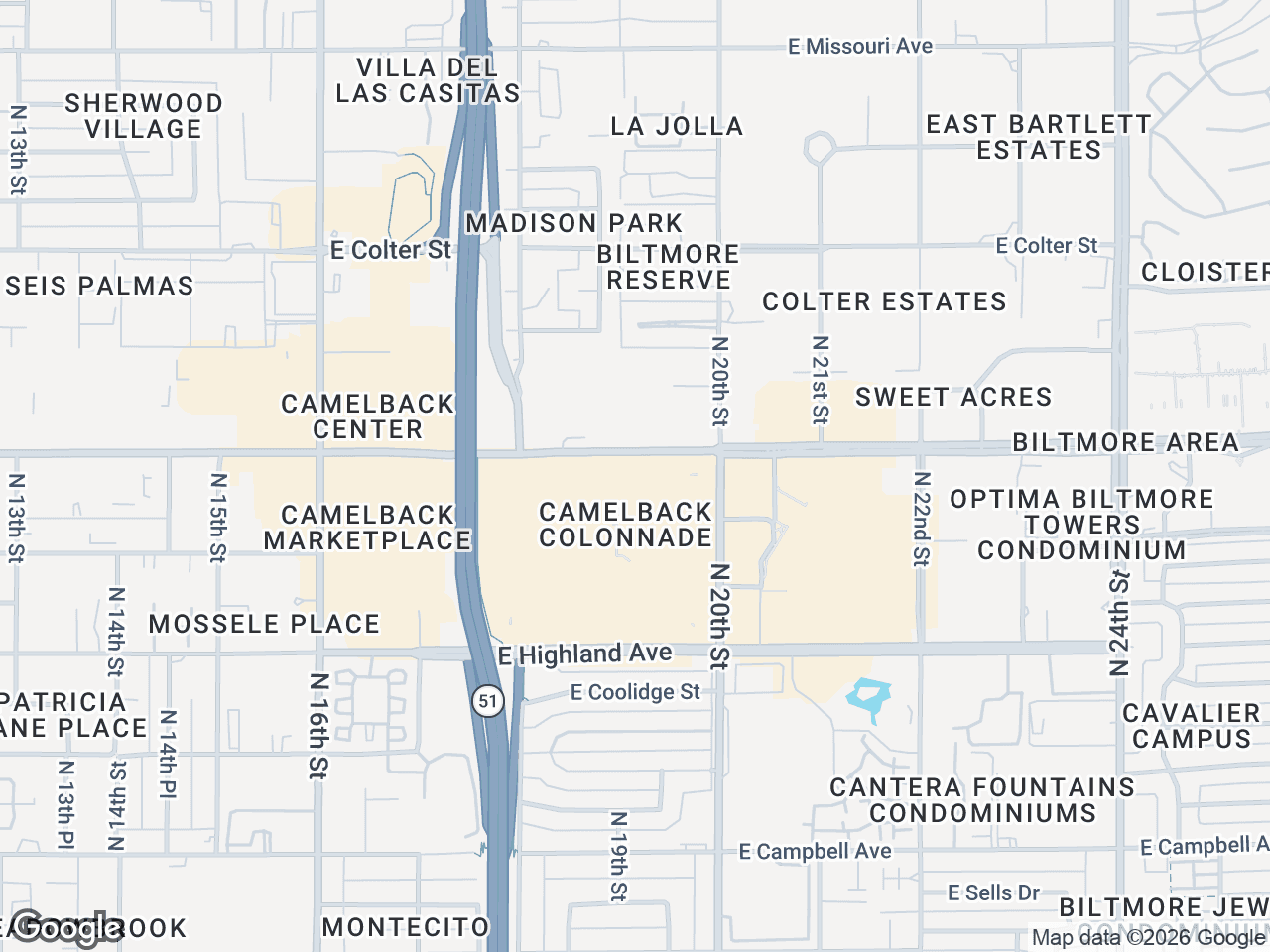




A retail map property flyer can show a subject site alongside selected, verified nearby businesses. Whether you are building an offering memorandum or drafting an email for your CRE database, the map provides a focused location-context visual. Here is a step-by-step tutorial on creating, styling, and exporting maps for print and digital campaigns.
Choosing the Right Map Style for Your Retail Map Property Flyer
The visual foundation of your property flyer with map depends heavily on the map style you choose. A busy, highly detailed satellite view might overwhelm a one-page flyer, while a sparse silver map might lack the professional weight needed for a formal OM.
CRE Retail Maps offers nine styles - Default, Subtle, Light, Dark, Retro, Silver, Night, Satellite, and Terrain - which can be evaluated in three broad presentation contexts:
- Print and Formal OMs: Retro, Terrain, and Light styles offer clean lines and subtle colors that make your subject property markers and tenant logos pop. Light is the safest bet for high-contrast printing.
- Digital and Email: Test Dark and Night styles on the devices your audience uses; artwork and labels still need sufficient contrast.
- Creative Marketing: Retro is an excellent choice for boutique retail listings or lifestyle centers where the branding leans more experiential.
How to Build a Commercial Property Flyer Map
A useful commercial property flyer map balances relevant context with quick visual scanning. Here is a practical workflow for building the map with a dedicated CRE mapping tool.
Step 1: Set Your Subject Property
- Enter the subject property's address or nearest recognized place, select the autocomplete result, then drag the subject marker to the reviewed parcel location if needed.
- Customize the subject property marker with a specific label, such as "Target Outparcel" or "Shadow Anchored by Kroger."
- Choose a highly visible pin color that contrasts with your chosen map style so the center of the deal stands out immediately.
Step 2: Search, Review, and Place Nearby Tenants
- Search the visible map area for nearby businesses by category (e.g., restaurants, banks, grocery, fitness), review the results, and select relevant locations.
- Search brand-artwork candidates, then verify the proposed match and business location before placement.
- Place the logos on the map in a clean, organized manner. Avoid overlapping leader lines.
Step 3: Organize Logos for Quick Scanning
- Use drag-to-group containers to cluster your tenant logos into logical zones (e.g., "North Pad," "Inline Tenants," or "Shadow Anchors").
- Connect reviewed artwork to verified map anchors with leader lines, and avoid unnecessary crossings. Check the final page for readability.
Optimizing Sizing and Resolution for Print vs. Digital
A gorgeous map is useless if the export quality fails. Export settings make or break a property flyer with map, and the requirements differ drastically between print and email.
Large Format and Print Resolution
For printed offering memorandums, choose dimensions based on the map's final placement and the printer's requirements. Pro 2D PNG and JPG exports support custom dimensions up to 8,000 pixels; review small labels and artwork at print size.
Standard Resolution for Email Campaigns
For email marketing CRE campaigns, file size can matter more than extreme resolution because clients may compress large images. Choose dimensions appropriate for the layout, then send a test to the desktop and mobile email clients your audience uses and inspect artwork and label clarity.
Export Workflows for Property Flyers and Emails
Your workflow depends on the collateral being assembled. Compare the available map features with the output your designer needs, then measure handoffs or revision time in your own production cycle.
Using PDF Layouts for One-Page Flyers
When you need a consistent starting point for a listing flyer, choose one of the five Pro PDF layouts.
- Select a PDF layout and review its fields against the property brief.
- Apply the available color controls and compare the result with the brokerage's brand standards.
- Export the PDF, then verify the property details, contact information, artwork, and layout before sending it.
Exporting High-Res PNGs for Custom OMs
If your marketing team builds custom multi-page OMs, export a 2D PNG or JPG at the dimensions your graphic designer requests, up to 8,000 pixels. The designer should still verify artwork use, placement, and brand requirements in the final layout.
Integrating Your Map into Email Marketing Campaigns
A map can give email recipients quick spatial context, but engagement depends on the audience, offer, subject line, deliverability, and creative. Measure performance in your own campaign rather than assuming the map causes higher engagement.
- Use a compelling subject line: Reference the tenant mix directly (e.g., "New Listing: 3,200 SF Inline Space Shadow-Anchored by Target & Starbucks").
- Make the map easy to inspect: Place a readable image in the email and link to supporting property information. The map shows selected location context, not proof of the location's strength.
- Link the map to your PDF: Host your full-branded PDF OM online and link directly from the map image in the email, driving qualified prospects straight to the detailed deal information.
Conclusion
Creating a retail map for flyers and email campaigns is about presenting verified location context in a readable format. Choose the map style for the medium, organize selected tenants logically, set 2D image dimensions up to 8,000 pixels or use one of five PDF layouts, and review the final asset. The Free plan in CRE Retail Maps supports building and previewing up to three maps; downloads require Pro.
CRE Retail Maps Editorial Team
VerifiedCRE Software & Industry Analysis
The CRE Retail Maps editorial team produces in-depth analysis of commercial real estate technology, retail market trends, and broker workflows. Our content is reviewed by retail brokers and industry practitioners with decades of combined experience covering grocery-anchored, power center, and lifestyle retail across major US markets.