Free to start - no credit card required
Create Professional Retail Maps in One Focused Editor
Search for brand artwork candidates, find nearby businesses, and build polished maps for OMs and presentations. Free includes up to three maps for building and preview; downloads require Pro.
- Search and review brand artwork candidates
- Find nearby restaurants, banks, grocery, and more
- Five PDF layouts and 2D PNG/JPG export up to 8000px on Pro
- Leader lines, grouped containers, custom colors
- 9 map styles including satellite and terrain
No credit card required. Build and preview up to three maps on Free.
SUBJECT PROPERTY


Dining & Shops



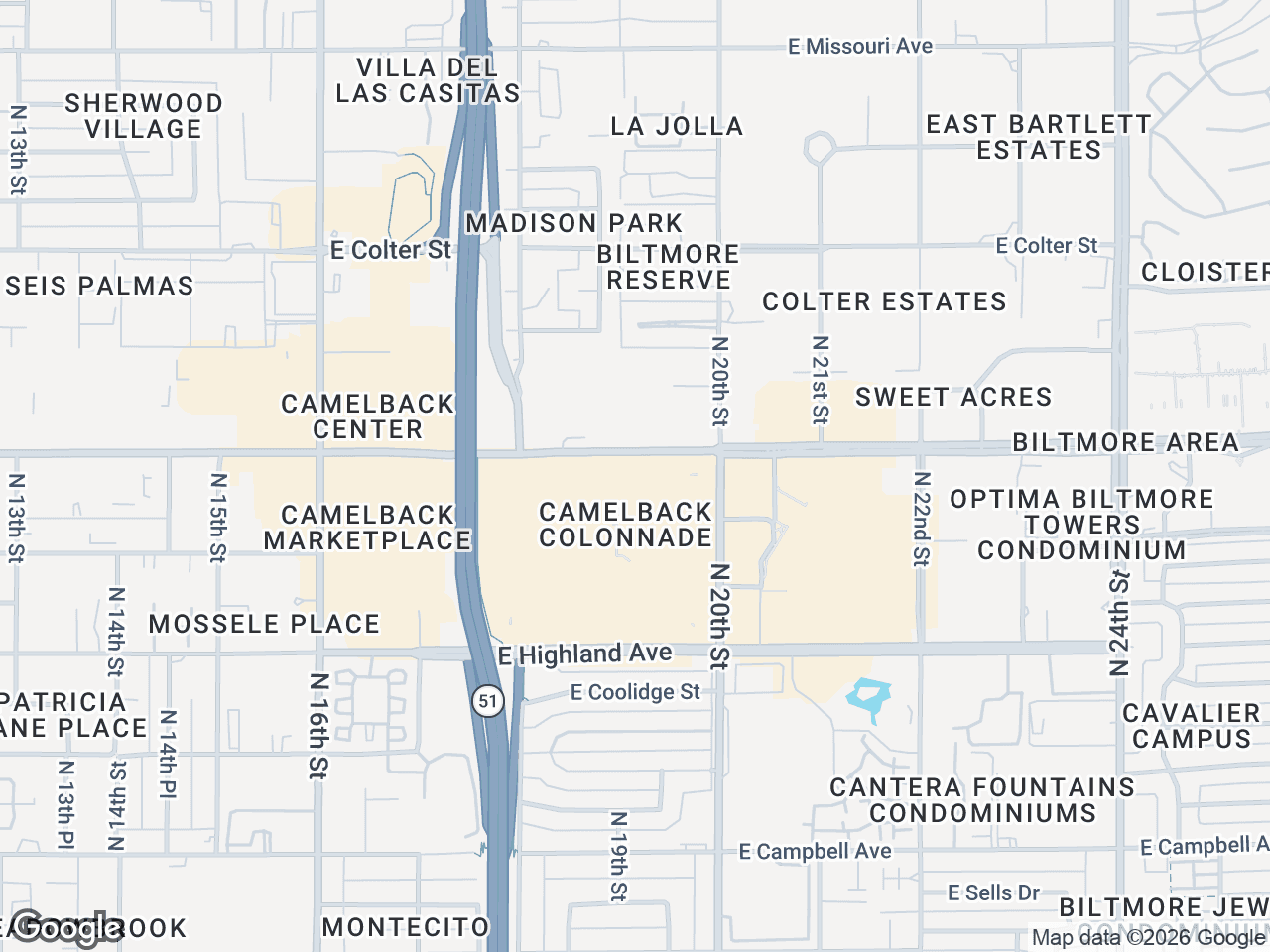
Camelback Corridor Retail
2 N Central Ave #1800, Phoenix AZ 85004
JS
John Smith
CBRE
Brand Artwork Search
Review candidates before use
Focused Workflow
Address, artwork, styling, export
Free to Start
Build and preview 3 maps
Pro Downloads
Five PDFs, images up to 8000px
Build Retail Maps in a Focused Editor
Replace the screenshot-and-PowerPoint workflow with a purpose-built editor for nearby-business search, artwork placement, styling, and export.
The Old Way
- ✗Screenshot Google Maps
- ✗Manually search for logos online
- ✗Paste and resize each logo in PowerPoint
- ✗Draw lines and boxes by hand
- ✗Redo everything when the client wants changes
- ✗Repeat the layout work for every revision
With CRE Retail Maps
- Enter address - map auto-centers
- Search and review brand artwork candidates
- Place selected artwork and add leader lines
- Find nearby businesses by category
- Change anything in real-time, undo/redo built in
- Reuse saved POIs and apply consistent map styles
Ready to Build Your First Map?
Build and preview up to three maps free. Upgrade to Pro only when you need to download.
Start Building FreeNo credit card required. Downloads require Pro.