A retail map maker for CRE brokers
Create a professional retail map online: enter an address, verify selected nearby businesses, review brand artwork, and prepare a consistent 2D or 3D presentation.
- Address search auto-centers the map
- Search and review brand artwork candidates
- Find nearby businesses by category
- Leader lines + drag-to-group containers
- Five PDF layouts + 2D or 3D image export on Pro
Build and preview up to three maps on Free. Downloads require Pro.
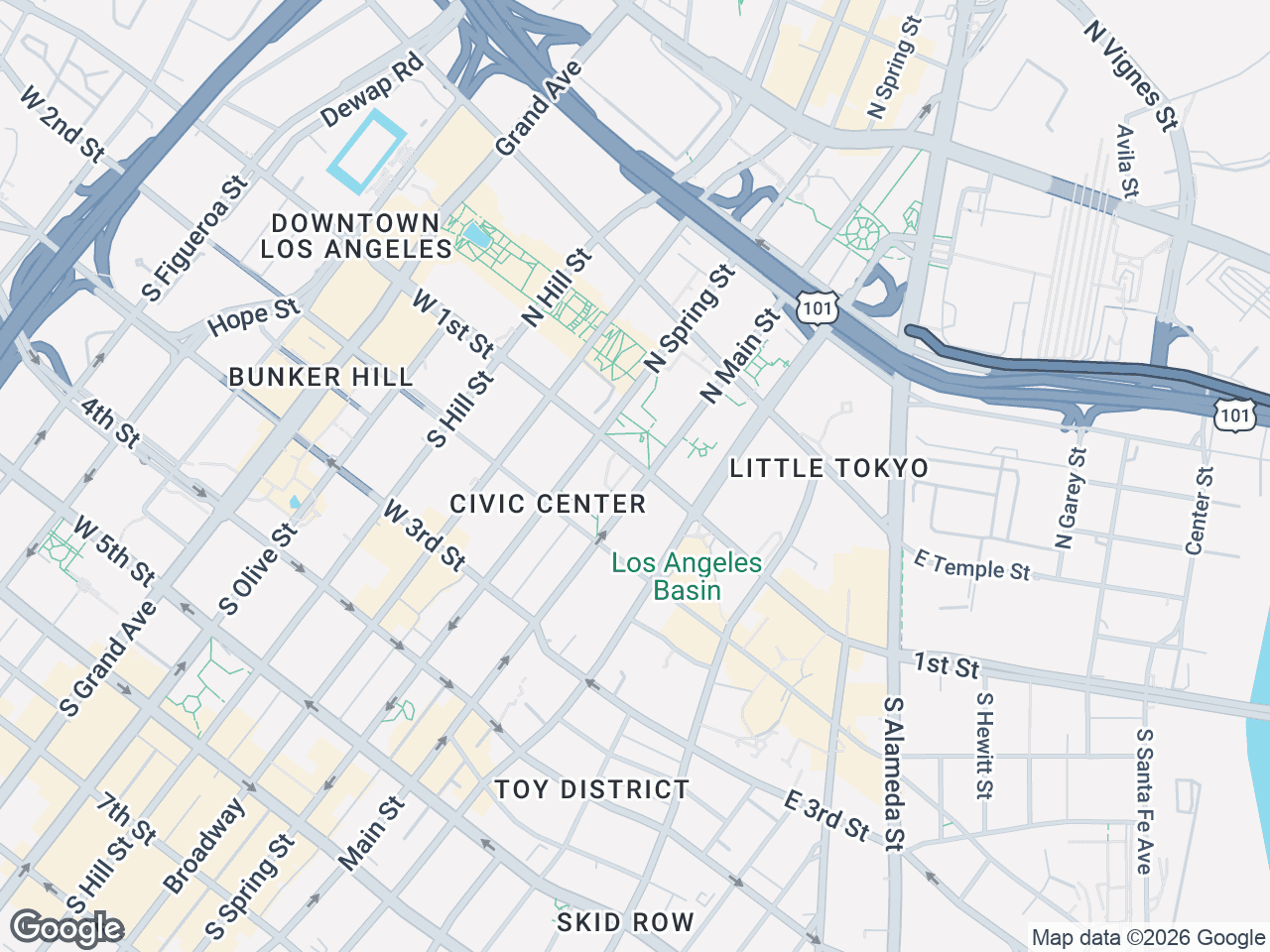



How to make a retail map online
Enter an address
Any US address or intersection. CRE Retail Maps auto-centers the map, sets the zoom level, and places the subject property marker automatically. No manual pan/zoom.
Add artwork or find businesses
Search by brand name and review artwork candidates, or find nearby businesses by category. Place selected results and drag items into named groups.
Export a PDF or high-res image
On Pro, choose from five PDF layouts that populate profile and property details, export 2D PNG/JPG images up to 8000px, or export 3D images up to 4096px.
What can you create with this retail map maker?
Use one reviewed map project for a flat location-context view, an angled physical-context view, or a branded document export.
Offering memorandum maps
Show the subject property, selected surrounding businesses, roads, labels, and verified artwork in a consistent location-context visual.
Candidate-site comparisons
Create one map per reviewed site, then reuse the same scope, visual hierarchy, and export dimensions across the comparison set.
Leasing flyers and presentations
Export a high-resolution image or one of five PDF layouts on Pro, then review the file in the final flyer or deck.
Quick questions
Can I use the retail map maker for free?+
Yes. The Free plan lets you build and preview up to three maps without a credit card. Downloads require Pro, which also removes the three-map limit.
How do I make a retail map?+
Three steps. (1) Enter an address. (2) Search for brand artwork candidates or find nearby businesses by category, then review and place selected results. (3) On Pro, export using one of five PDF layouts or as a high-resolution image.
Do I need to create each logo myself?+
No. Search by business name to find artwork candidates, review the suggested image, and place the match you want. You can upload an image or use text when a suitable candidate is unavailable.
Can I place businesses that aren't in the logo library?+
Yes. When a suitable artwork candidate is unavailable, choose the text-only option or upload an image you have reviewed and are authorized to use.
Can I add my own custom POIs (parking, construction, etc)?+
Yes. Pro users can save a custom name and address with an optional uploaded logo, then select that POI on future maps. Common examples include parking structures, transit stations, construction sites, and future anchor tenants.
How do I export the map?+
Pro subscribers can choose one of five branded PDF layouts that populate profile details, export 2D PNG/JPG images up to 8000px, or export 3D images up to 4096px.
What if I make a mistake?+
Undo and redo cover recent editing changes during the current editor session. Autosave is scheduled after 3 seconds without another change; confirm the latest save before closing the tab.
Sign up, make a map, see it yourself
Free to start. No credit card. Watermark-free exports at $39/mo.
Start Free