Build professional retail maps in one workspace
Address search, searchable brand artwork candidates, nearby-business search, and five branded PDF layouts for OMs, lease proposals, and presentations.
- Search and review brand artwork candidates
- Find nearby businesses by category
- Five PDF layouts with profile details
- 2D PNG/JPG export up to 8000px
- 9 map styles including satellite and terrain
$39/mo. No credit card to start. Cancel anytime.
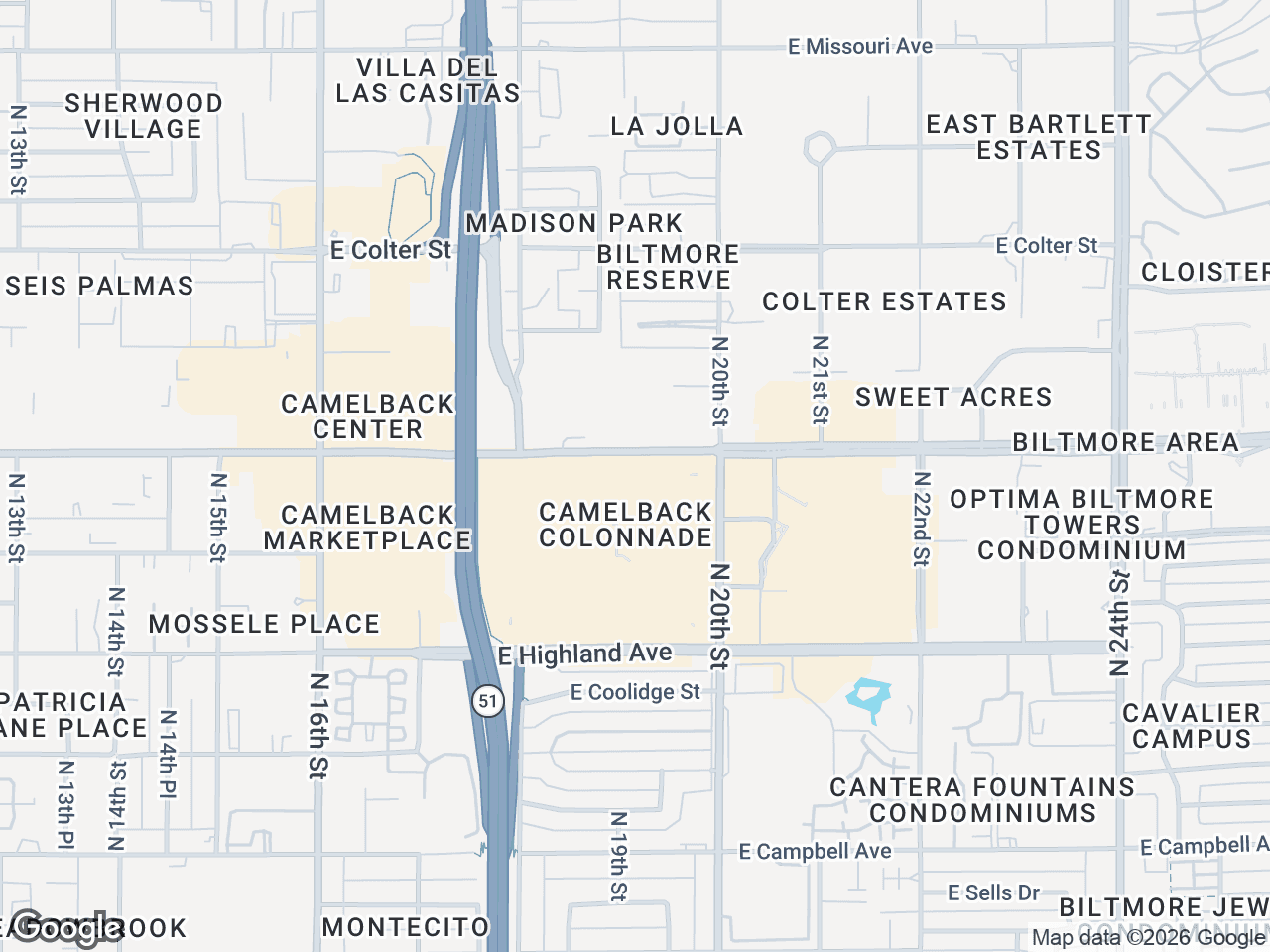


Four core features
Everything you need to ship a professional retail map.
Searchable brand artwork
Submit a brand search and review the returned artwork candidates. Choose a match, upload an image, or use a text label.
Find nearby businesses
Pick a category to search for matching businesses near your property, then review and place selected results.
PDF and high-res image export
Five PDF layouts populate profile and property details. Pro also supports 2D PNG/JPG images up to 8000px and 3D images up to 4096px.
9 styles + custom colors
Default, subtle, light, dark, retro, silver, night, satellite, and terrain. Customize highway colors and label visibility independently.
From address search to a finished export
Search the address
Type any US address or intersection. Map auto-centers and zooms. Subject property marker placed automatically.
Add artwork + find businesses
Search and review brand artwork candidates or find nearby businesses by category. Drag to group and adjust leader lines.
Style + export
Pick a map style, apply your brand colors, and use Pro to download a branded PDF or high-resolution image.
Common questions
What is retail map software?+
Retail map software is a tool that lets commercial real estate brokers create professional visual maps of a property and its surrounding retail environment - anchor tenants, nearby businesses, traffic generators, and trade area context - for use in offering memorandums, lease proposals, and listing presentations.
How fast can I create a map?+
Address search centers the workspace, artwork search returns candidates for review, and nearby-business search filters results by category. After styling the map, Pro subscribers can download an image or branded PDF.
Do I need design skills?+
No. Built-in layouts, color palettes, and leader-line controls provide a practical starting point. You can customize with 12 preset colors, a custom color picker, and 9 map styles.
How does brand artwork search work?+
Search by business name to see artwork candidates. Review the suggested image before using it; you can upload your own image or use a text label when a suitable match is unavailable.
What file formats do exports come in?+
Pro supports 2D PNG/JPG images up to 8000px, 3D images up to 4096px, and branded PDFs using five layouts.
Build your first map free
Build and preview up to three maps on Free. Downloads require Pro.
Start Free