Build a consistent OM retail map.
Build a branded retail landscape map for an OM with reviewed tenant context and configurable brokerage styling.
- Branded retail landscape map for every offering memorandum
- Search and review tenant artwork candidates
- Selected nearby-business context with user review
- Anchor tenant grouping with labeled containers
- Five PDF layouts with your firm's branding
Build and preview up to three maps free. Downloads require Pro.
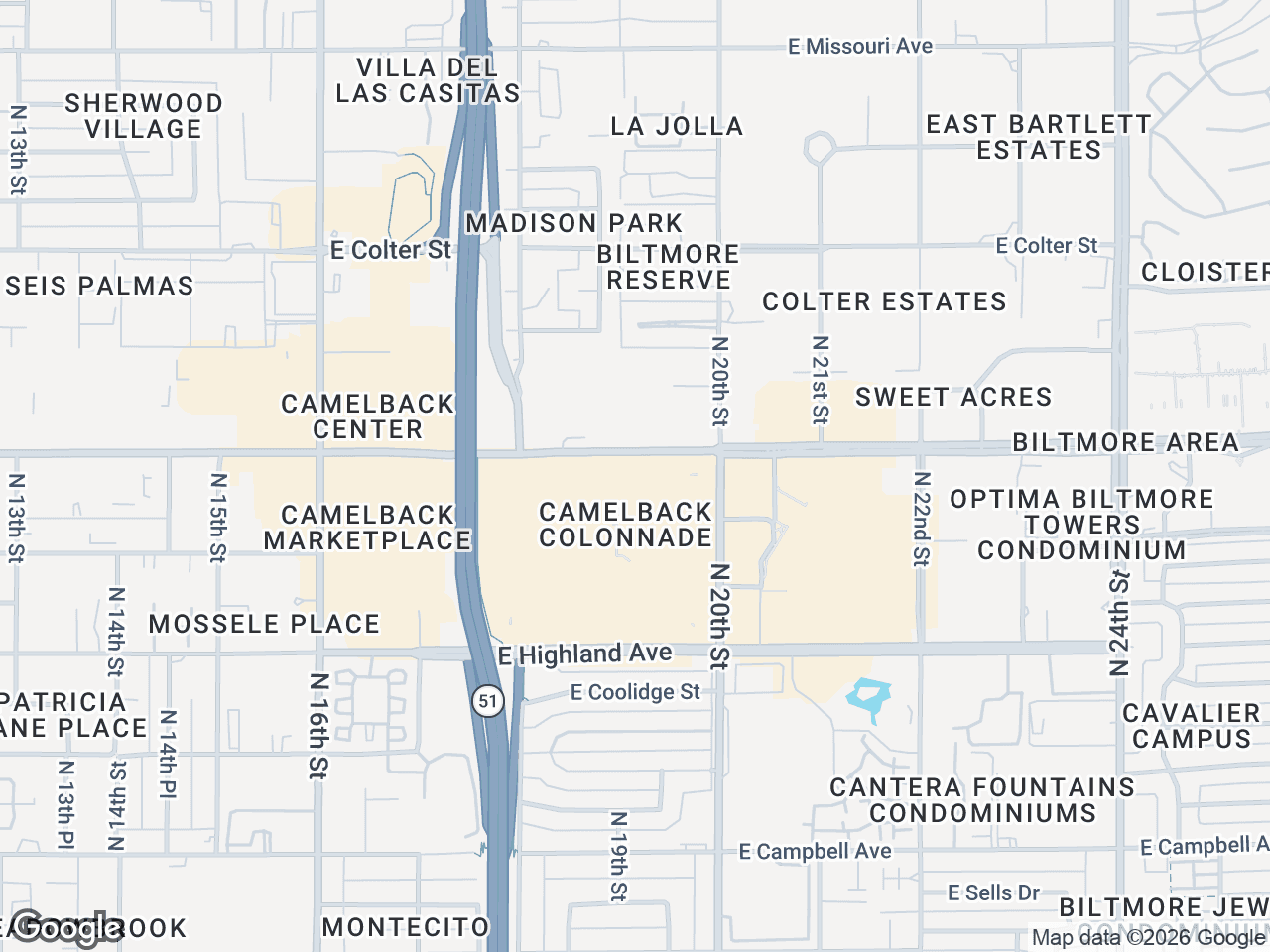


Built for the retail investment sales workflow
OM-ready output
On Pro, choose from five branded PDF layouts populated with profile and property details, or export a high-resolution image for your OM workflow.
Anchor tenant emphasis
Use larger artwork for selected anchors, smaller artwork for inline tenants, and group labels such as 'Anchors,' 'Co-tenants,' and 'Pad Sites.'
Reviewed location context
Search the visible map area, review business locations and artwork candidates, and place only the items appropriate for the assignment.
How investment sales brokers use CRE Retail Maps
A retail investment-sales OM can use a tenant-landscape page to present the subject property and selected nearby businesses in one visual.
Standardize an OM map format with firm colors, emphasized anchor artwork, labeled co-tenant groups, and a clear subject-property marker.
Duplicate a styled map as a starting point and apply the same PDF layout to help keep output consistent across deals while analysts focus on the underlying transaction work.
Investment sales workflow FAQs
What export options are available for an OM?+
Pro supports five branded PDF layouts, 2D PNG/JPG images up to 8000px, and 3D images up to 4096px. Choose dimensions and a layout appropriate for your document.
Can I use my firm's specific brand colors and fonts?+
Yes for colors via the custom hex picker. Fonts on map labels are limited to a few presets - the brand identity comes through the PDF template (your logo, contact block, color palette).
Can I show sales comps or cap rate data on the map?+
Not directly - we don't host sales comp data. Source and verify that information separately, then add the relevant values with text labels or other map annotations.
Does it support portfolio sales with multiple properties?+
Yes. Build one map per property, then combine them as separate pages in your portfolio OM. Each map carries the same branded template for visual consistency.
What about confidentiality - can I keep maps private?+
All maps are private to your account by default. Nothing is published or shared without you explicitly exporting and sending the file.
Related resources
Retail Map Software for CRE Brokers
The full product overview: artwork review, nearby-business search, styling, and Pro exports.
Learn moreFree Retail Map Maker
Build a professional retail map for free, no credit card required.
Learn moreRetail Map Maker
Build a professional retail map in one workspace.
Learn moreGetting Started Guide
Create and review your first retail map from an address.
Learn moreExport PDFs or High-Res Images
On Pro, download five PDF layouts or 2D images up to 8000px.
Learn morePricing
Free to start; Pro unlocks unlimited maps and exports.
Learn moreBuild your next OM retail map
Build and preview up to three OM maps free. Downloads require Pro.
Start Free