




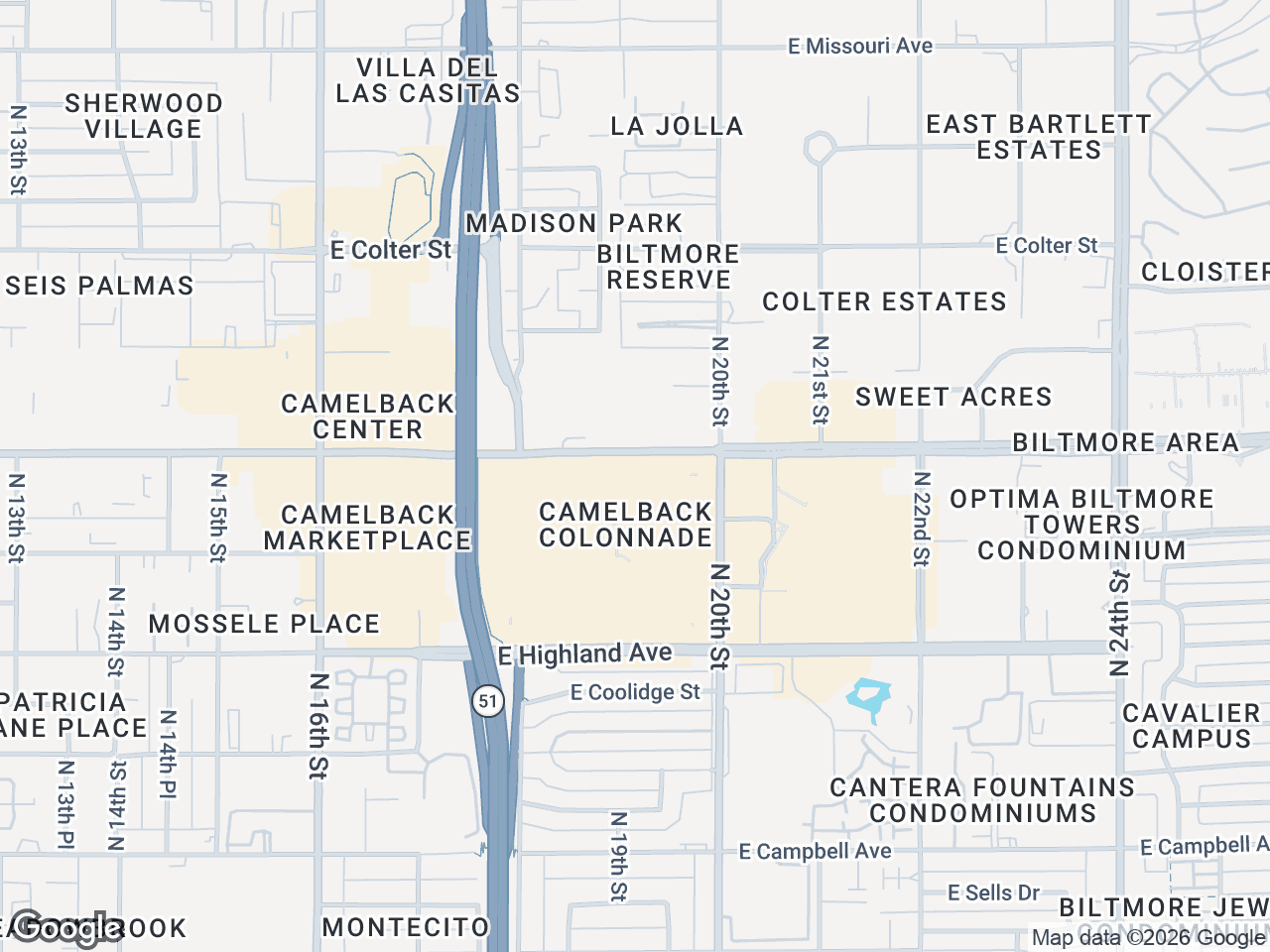
If you are searching for store mapping software, you are probably seeing tools built for very different jobs. In commercial real estate, the right choice is not indoor wayfinding or retail operations software. It is a broker-focused mapping tool that helps you build polished tenant maps, highlight co-tenancy, and present a clear store location map in OMs and pitch materials.
What "store mapping software" means in CRE
The phrase "store mapping software" is broad, and that is why buyers often land on mismatched products. In practice, there are three common categories:
| Category | What it does | Best fit | Usually not built for |
|---|---|---|---|
| Indoor wayfinding | Helps visitors navigate malls, airports, hospitals, or mixed-use properties | Property teams and venue operators | CRE broker marketing maps |
| Retail operations mapping | Supports field teams, territory planning, store performance, or operational rollouts | Retail brands and ops teams | Broker-ready presentation maps |
| CRE broker mapping | Creates visual tenant maps with logos, subject markers, styling, and export options | Investment sales, leasing, and tenant rep brokers | Analytics-heavy GIS workflows |
For most brokerage teams, the goal is simple: create a clean, persuasive store location map that shows the subject property in context. That usually means nearby retailers, brand recognition, custom styling, and outputs that can drop into an OM or presentation without extra design work.
Store mapping software for CRE should solve presentation, not wayfinding
When evaluating store mapping software for brokerage use, start with the actual deliverable. You are not trying to route shoppers through a center or monitor store operations. You are trying to communicate market context fast.
A CRE-focused tool should help you answer questions like:
- What recognizable retailers are near the subject property?
- How quickly can I turn a rough market map into a presentation-ready exhibit?
- Can I control colors and layout to match brokerage branding?
- Will the output fit OMs, BOVs, and leasing decks?
- Can I clearly label the subject site and connect logos to precise locations?
That is a very different workflow from indoor mapping platforms or retail operations dashboards. Those tools may be strong in their own categories, but they often add complexity without helping brokers produce better marketing materials.
What to look for in store mapping software
Not all retail store mapping software is built for CRE deliverables. Here are the features that matter most when you are comparing options.
Easy business and brand discovery
A useful store mapping workflow should make it easy to find nearby businesses in the visible map area by category, then review and select what belongs on the map. That review step matters. Broker maps need judgment, not blind automation.
Brand artwork search is also important. A tool that surfaces searchable artwork candidates can speed up the process, as long as the user confirms the best match before placement.
Clean visual organization
Broker maps get messy fast when multiple tenants cluster along a corridor or around a major intersection. Look for features that keep the presentation readable, such as:
- Leader lines connecting logos to locations
- Subject property markers with customizable labels
- Drag-to-group containers for organizing logos into labeled clusters
- Multiple map styles for different presentation contexts
These details make a big difference when you are presenting an urban retail corridor, a grocery-anchored center, or a dense suburban trade node.
Export quality that works in real marketing materials
A store location map that looks fine on screen can fall apart when dropped into an OM. Export quality should be part of your evaluation, especially if your team produces print-ready PDFs or large-format presentation pages.
Look for:
- High-resolution 2D image export
- PDF layouts designed for OM and presentation workflows
- A clear preview and review step before distribution
- Branding controls such as custom color schemes
If you regularly build marketing packages, it is worth reviewing tools focused on retail maps for offering memorandums, not just general-purpose map products.
How to compare retail store mapping software options
A commercial buyer should evaluate software against actual brokerage use cases, not generic feature lists. This simple framework helps.
1. Define the map output you need most often
List the deliverables your team creates every month:
- OM exhibits
- Leasing brochures
- Site packages
- BOVs
- Tenant rep market overviews
If most of your work is presentation-driven, prioritize visual clarity, branding control, and export flexibility over analytics features you will not use.
2. Check whether the workflow is broker-friendly
Good store mapping software should reduce manual design work, not create another production bottleneck. Ask:
- Can a broker or analyst build a presentable map without GIS training?
- Is the business search process fast but still reviewable?
- Can logos and labels be arranged cleanly in dense retail areas?
- Does the tool support consistent output across the team?
3. Test the final deliverable, not just the editor
Before committing, create a sample store location map that mirrors a real assignment. Export it and drop it into a live OM or deck. That is where weaknesses show up.
Questions to ask before you buy store mapping software
Is this store mapping software built for CRE brokers?
This is the most important question. If the product messaging centers on navigation, facilities, operations, or field management, it may not be the right fit for brokerage marketing.
A CRE-specific platform should align with how brokers actually work:
- Visual storytelling around the subject property
- Fast creation of tenant and competitor context maps
- Presentation-ready exports
- Branding options for client-facing materials
If you want a clearer picture of what that category looks like, review retail map software for CRE brokers.
Does this store mapping software fit your team size and workflow?
The best tool is not always the one with the longest feature list. It is the one your team will actually use consistently.
Consider:
- How often your team creates maps
- Whether junior staff can learn the workflow quickly
- Whether the tool supports quick iterations for broker feedback
- Whether there is a free way to test the workflow before upgrading
For teams that want to evaluate ease of use before committing, it helps to look at a free retail map maker and compare the workflow against your current process.
Common mistakes when evaluating store mapping tools
One common mistake is buying a platform that is too broad for the task. If your main need is polished retail mapping for marketing, a complex GIS or operations platform can add cost and friction without improving the final exhibit.
Another is assuming all store mapping tools handle brand presentation well. In CRE, logo placement, leader lines, label clarity, and layout options are not cosmetic extras. They are part of the communication.
Finally, be careful not to confuse trade area analysis with map presentation. Demographics, traffic counts, and related analysis may matter in your broader underwriting or pitch, but they are separate from the visual map-building function. A strong broker mapping tool should make the map look professional, while other tools or data sources can support the analytical side of the assignment.
Conclusion
The best store mapping software for CRE is the software that helps brokers create accurate, polished, presentation-ready retail maps without forcing a wayfinding or operations workflow onto a marketing task. If your goal is a strong store location map for leasing, investment sales, or tenant rep work, focus on tools built specifically for broker deliverables, with reviewable business search, flexible styling, clean logo organization, and export formats that fit real-world marketing packages.
If that is the workflow you need, CRE Retail Maps is built for exactly that use case.
CRE Retail Maps Editorial Team
VerifiedCRE Software & Industry Analysis
The CRE Retail Maps editorial team produces in-depth analysis of commercial real estate technology, retail market trends, and broker workflows. Our content is reviewed by retail brokers and industry practitioners with decades of combined experience covering grocery-anchored, power center, and lifestyle retail across major US markets.