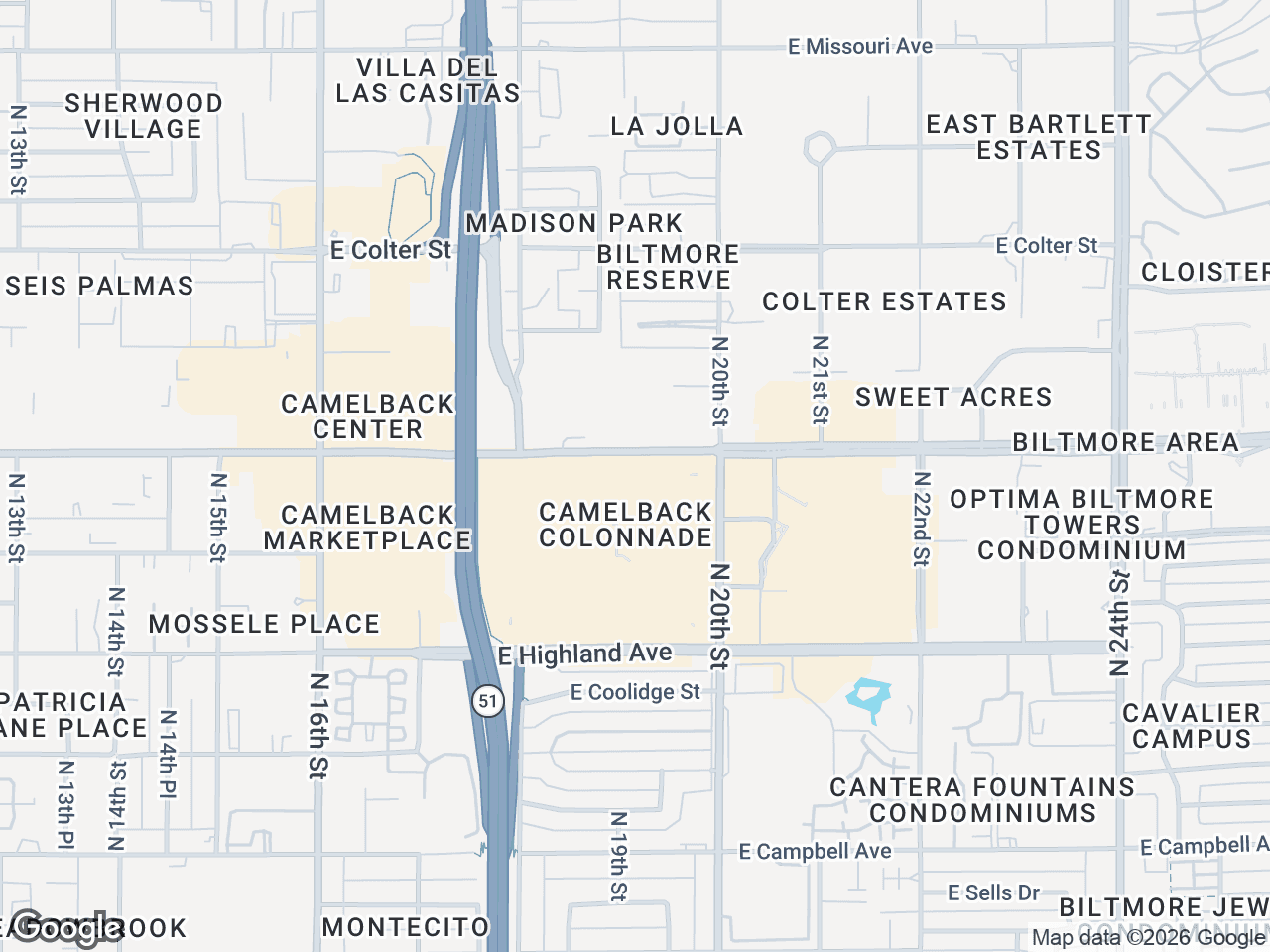




A documented retail-map library can help a brokerage apply consistent styles, colors, file naming, and review rules. In this guide, "shared library" means team documentation and approved exported assets stored in the brokerage's own shared system; do not assume CRE Retail Maps provides a live firm-wide shared map or POI library.
Why CRE Teams Need a Retail Map Library Brokerage Setup
If a brokerage wants consistent output, document its approved styles, artwork-review rules, file naming, and final QA process. Do not attribute deal or client outcomes to visual consistency without evidence.
A documented library can address three recurring needs for retail investment sales and leasing teams:
- Repeatability: New agents have a documented starting point instead of recreating every decision.
- Consistency: The team can apply the same documented visual standards to OMs and flyers.
- Accuracy: A documented review checklist can reduce avoidable inconsistencies, but every business location, artwork candidate, and property boundary still requires final verification.
Step-by-Step: Building Your Retail Map Library Brokerage Workflow
To standardize maps across a team, document the decisions that recur. The step-by-step map guides can support training on the editor workflow.
Step 1: Establish Your Brokerage Map Templates CRE Defaults
Choose provisional visual standards, test them on real deliverables, then document the approved version.
- Define approved colors: Record the brokerage's colors and test available marker, line, and container controls in the actual output.
- Select a default map style: Test a light or silver style in print and keep other styles available when physical context or document contrast calls for them.
- Set subject property marker rules: Standardize how you label the subject property. Decide whether your team will use "Subject Property," "Target Asset," or the actual property name on the marker.
Once you have these rules documented, your team has a clear visual framework to work within.
Step 2: Create Base Templates for Common Property Types
Retail assets fall into several distinct categories, and each requires a slightly different mapping approach. Build a foundational map for each of these core property types so agents don't have to start from scratch:
- Grocery-anchored power centers: Templates focusing on major anchor tenants with inline retail outparcels grouped separately.
- Multi-tenant strip centers: Layouts optimized for long, linear rows of inline tenants.
- Urban street retail: Dense maps utilizing drag-to-group containers to organize multiple closely packed tenants on a single block.
- Single-tenant net-leased (NNN) properties: Simple, clean maps focusing strictly on the subject and its immediate co-tenancy.
To build these examples using CRE Retail Maps, search the visible map area, review and select nearby businesses, verify artwork, and group selected items logically. Document which settings should be recreated; confirm account-sharing and reuse capabilities before designing a team process around them.
Step 3: Organize and Save Your Shared Map Library
A library is only useful if people can easily find what they need. Implement a clear naming convention and folder structure for your team mapping workflow.
- Establish a strict naming convention: Use a format like
[Property Type] - [City/Neighborhood] - [Anchor Tenant]. For example:Grocery Anchored - suburban Chicago - Mariano's. - Document artwork review: Ensure the team knows how to search brand-artwork candidates and verify the proposed match, tenant status, and location before placement.
- Store approved guidance and outputs: Save brand rules, checklists, example briefs, and approved exports in the brokerage's shared system. Pro supports 2D PNG/JPG up to 8,000 pixels, 3D images up to 4,096 pixels, and five PDF layouts.
Training New Agents on the Team Mapping Workflow
Your retail map library brokerage system is only as strong as the people using it. A streamlined onboarding process ensures new hires don't revert to their old, messy mapping habits.
Step 4: Implement a Standardized Onboarding Process
Bring new associates up to speed quickly with a structured training protocol:
- Introduce the tool early: The Free plan lets a new user build and preview up to three maps; downloads require Pro.
- Review the brand guidelines: Walk them through the established brokerage map templates CRE rules - your exact hex codes, default map style, and naming conventions.
- Assign a test map: Use a past or fictional listing and review how the user searches the visible area, selects relevant results, verifies artwork, applies leader lines, and groups tenants.
- Provide a cheat sheet: Document the firm's workflow, review owners, nine-style default, naming rules, and output dimensions for each destination.
Measure onboarding and production time in your own team before making a time-savings claim.
Step 5: Maintain and Update the Library
A retail map library is a living resource. Tenant rosters and branding change. Assign an owner and review cadence, and verify current tenant status, locations, artwork, and output requirements each time an asset is reused.
Conclusion
Clear brand defaults, example briefs, and an accuracy checklist can make team output more consistent. Retail map software for CRE brokers can support production, while the brokerage remains responsible for its own shared-library process, permissions, and final review. CRE Retail Maps provides searchable artwork candidates, nearby search, nine styles, and Pro export options.
CRE Retail Maps Editorial Team
VerifiedCRE Software & Industry Analysis
The CRE Retail Maps editorial team produces in-depth analysis of commercial real estate technology, retail market trends, and broker workflows. Our content is reviewed by retail brokers and industry practitioners with decades of combined experience covering grocery-anchored, power center, and lifestyle retail across major US markets.