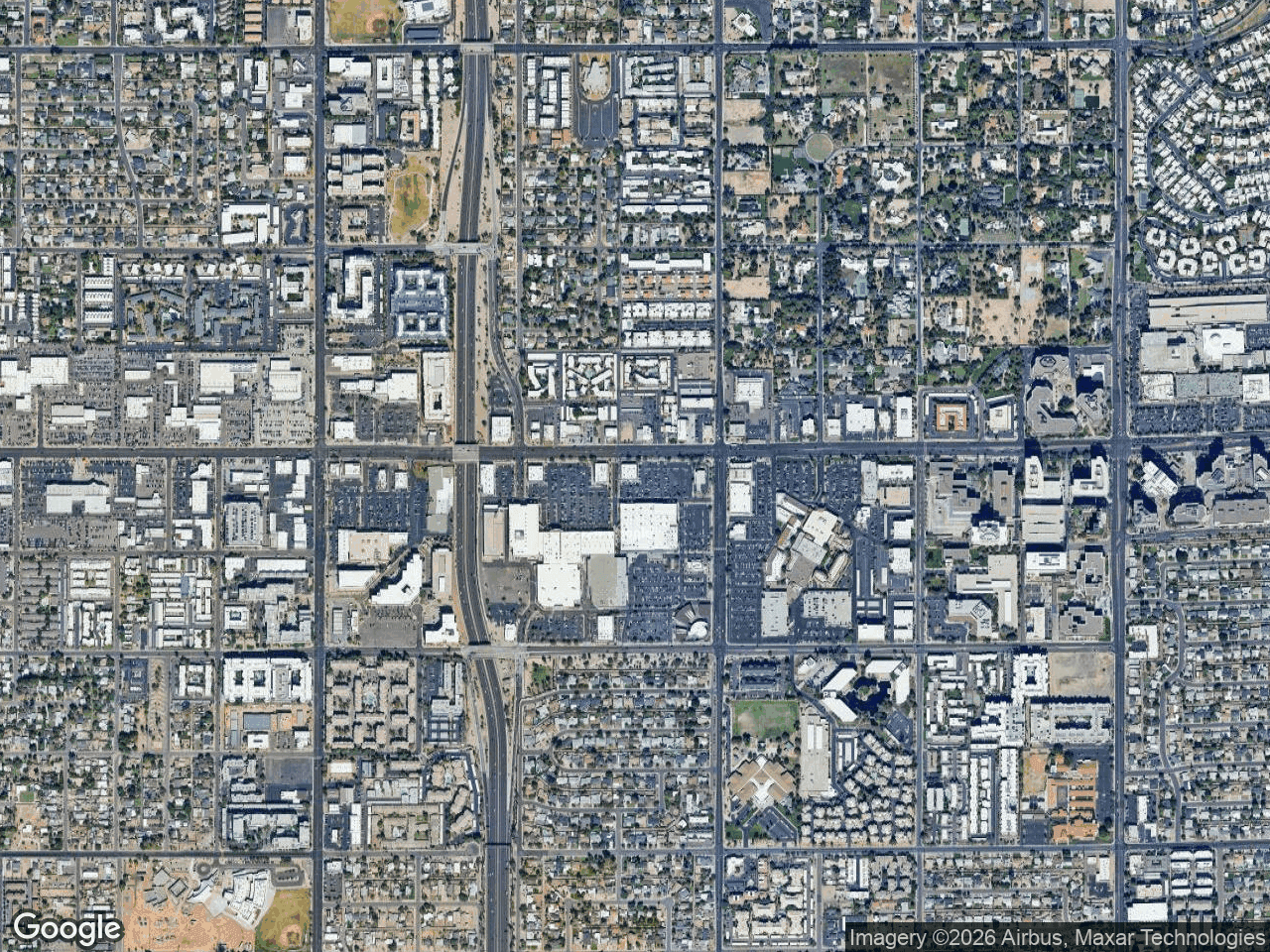



When you map retail competition around a listing, the goal is to show verified nearby businesses and give readers a starting point for further market analysis. A map alone cannot demonstrate that a trade area is oversaturated or underserved; that conclusion requires current market, demographic, traffic, supply, and demand evidence.
Why You Need to Map Retail Competition for Every Listing
A retail competitive landscape map can provide strategic context for a tenant discussion. Treat it as a presentation layer for verified locations, not evidence of sales performance, traffic, demand, or a likely lease decision.
A visual map answers questions that spreadsheets and demographics reports cannot. A tenant can physically see the distance between their closest competitor and your available pad site, or understand that a dense cluster of national restaurants operates without a single fitness center to serve the area's daytime population.
Gathering Your Data for Competitive Retail Analysis
Before you build your map, compile the necessary location data. You'll need your subject property's address and a clear understanding of the tenant mix you want to highlight. If you have access to a demographic or GIS platform, export the data separately - things like traffic counts, population density, and household income are valuable for your offering memorandum, but you don't need them to build the visual competition map.
Identify the Categories That Matter
Different retail categories tell different stories to different tenants. QSR and fast-casual operators want to know about restaurant clusters and midday traffic. National credit retailers look for complementary anchors. Medical office tenants care about proximity to pharmacies and major intersections.
How to Map Retail Competition Step-by-Step
This workflow walks through building and reviewing a competition map using CRE Retail Maps. Production time varies with the area, number of businesses, and verification required.
- Enter your subject property location. Drop your subject property marker at the center of the map and label it clearly. This anchors the visual for anyone reading your OM or flyer.
- Search the visible area for nearby retailers. Search by category, review the returned businesses, and select the relevant results. For each selection, search brand-artwork candidates and verify the proposed match and location before placement.
- Organize logos into logical groups. Use drag-to-group containers to cluster tenants by category or by proximity. A labeled container grouping all QSRs together, or all national credit tenants in a nearby shopping center, makes the map immediately scannable for prospective tenants.
- Apply leader lines. Connect each brand logo to its precise map location. This prevents visual clutter when multiple tenants occupy a single retail center or share a busy intersection.
- Form a hypothesis for further research. An absent result may reflect the visible area, category query, stale records, or a true gap. Validate it with appropriate market data before making the claim.
- Style your map. Choose among Default, Subtle, Light, Dark, Retro, Silver, Night, Satellite, and Terrain, then apply your brokerage colors where useful.
- Export and review. Pro users can download 2D PNG/JPG files up to 8,000 pixels, 3D images up to 4,096 pixels, or one of five PDF layouts.
Turning Your Retail Competitive Landscape Map into a Leasing Tool
The real leverage of a competitor mapping CRE workflow comes from how you frame the final product in your pitch. A map that merely shows what exists is a data point. A map that tells a tenant "this market is yours for the taking" is a catalyst for a signed letter of intent.
Show Opportunity, Not Just Saturation
If the area is heavily saturated with a specific category, don't hide it - pivot. Show how your property's location at a signaled intersection offers superior visibility compared to the competitor buried in an inline bay across the highway. Use the map's visual hierarchy to draw the prospect's eye to your property's proximity to the area's primary traffic generators.
Use Gaps to Drive Urgency
The absence of a category from one search is not proof of unmet demand. Confirm the query area, business status, planned supply, demographics, occupancy costs, traffic, and the tenant's own requirements before presenting a gap as an opportunity.
Presenting Competition Maps in Offering Memorandums
A competition map belongs in every OM you produce. It provides the visual context that supports your narrative about the property's trade area. Use the branded PDF templates available in CRE Retail Maps to drop your styled map directly into your marketing package.
Match the Map Style to Your Audience
A satellite map style works well for out-of-market investors who need to understand the physical layout of the trade area, including surrounding land uses and parking configurations. A silver or light map style is often better for local tenants who already know the streets and just need to see the competitive relationship between your site and their closest rival.
Conclusion
Mapping verified competitors can make a leasing discussion more concrete. CRE Retail Maps keeps nearby search, selection, artwork review, styling, and Pro exports in one workflow. The Free plan supports building and previewing up to three maps; downloads require Pro.
Related guides
- Mapping for CRE brokers - The broker workflow
- Retail maps for OMs - Present competition inside an OM
CRE Retail Maps Editorial Team
VerifiedCRE Software & Industry Analysis
The CRE Retail Maps editorial team produces in-depth analysis of commercial real estate technology, retail market trends, and broker workflows. Our content is reviewed by retail brokers and industry practitioners with decades of combined experience covering grocery-anchored, power center, and lifestyle retail across major US markets.