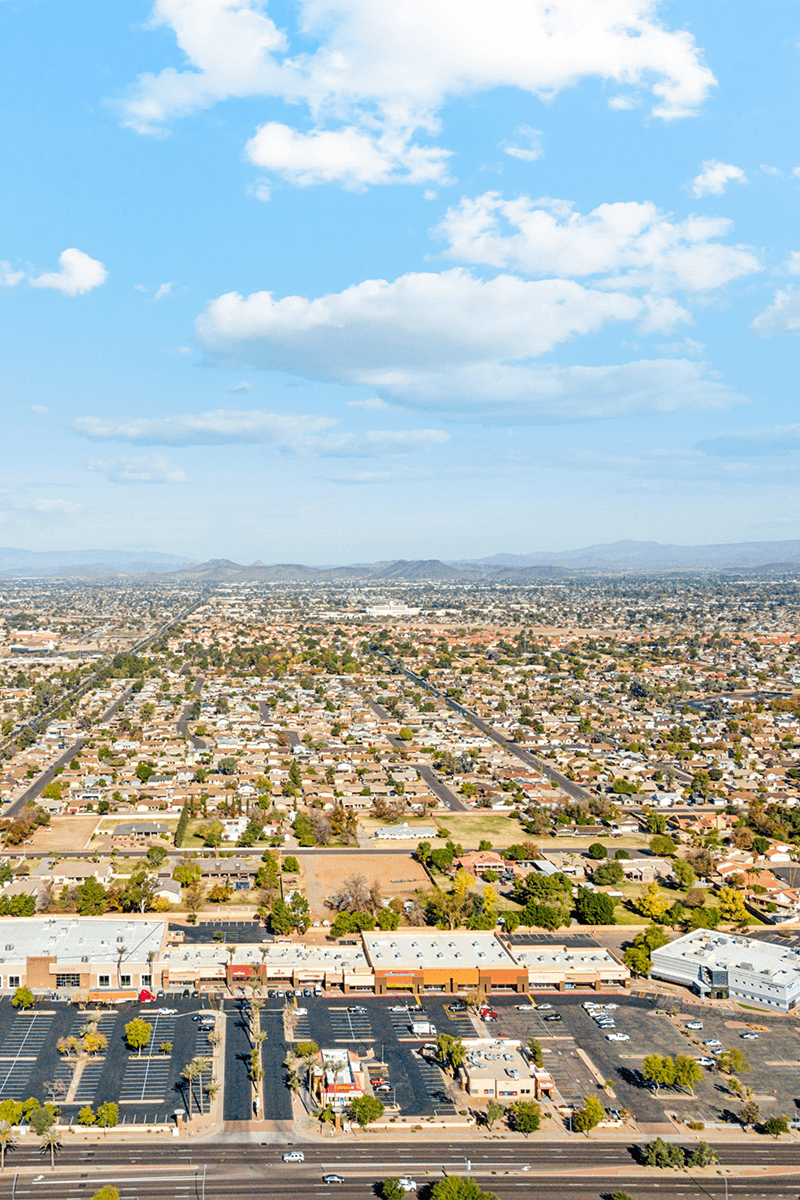
A retail map is a visual representation of a commercial property and selected surrounding businesses. It can show the subject property, reviewed tenant locations, major roads, and points of interest on one styled map. It provides location context; it does not establish property value, demand, traffic, or investment performance.
If you've seen a property flyer or offering memorandum with brand artwork placed on a map showing what's nearby, you've seen one common retail-map format.
Why Retail Maps Matter in CRE
An address alone does not show the selected businesses and road context a broker may want to include in a marketing document. A retail map organizes those reviewed inputs visually.
Here's what a good retail map can communicate at a glance:
- Selected tenant context - Reviewed business locations and artwork can show which named businesses were included and where they sit relative to the subject.
- Road orientation - Highlighted highways, intersections, and arterial roads can help a reader orient the property on the map.
- Category context - Selected restaurants, grocery stores, banks, fitness businesses, and other categories can be organized without implying complete market coverage.
- Separately sourced evidence - Demographic, traffic, sales, and visitation claims require their own current source and methodology; the retail map does not generate them.
How Brokers Used to Make Retail Maps
The traditional workflow was repetitive. A broker would screenshot Google Maps, paste it into PowerPoint or Photoshop, then manually search for brand artwork online, resize it, and place it on the map. Leader lines were drawn by hand, and colors could vary from one map to the next.
Teams may also use design or GIS tools, depending on the required visual and analytical work.
The Modern Approach
CRE Retail Maps provides a focused workflow for building this visual layer:
- Search for your property - Enter an address and the map centers automatically on the right location.
- Search brand artwork - Search artwork candidates, review the result, and place the appropriate mark on the map with a leader line connecting it to the location.
- Find nearby businesses - Search the visible map area by category (restaurants, banks, grocery, fitness), review the returned businesses, and select the ones that support the property story.
- Style the map - Choose from nine map styles (Default, Subtle, Light, Dark, Retro, Silver, Night, Satellite, and Terrain), apply your brokerage's brand colors, highlight highways, and control which labels appear.
- Group tenants visually - Use drag-to-group containers to organize logos into labeled clusters like "Dining & Shops" or "Anchor Tenants."
- Export for the intended use - Pro users can download 2D PNG or JPG files up to 8000 pixels, 3D images up to 4096 pixels, or use one of five PDF layouts for print materials and OMs.
Bringing those steps into one editor reduces handoffs and makes it easier to apply the same visual standards across every map.
Where Retail Maps Are Used
Retail maps appear across nearly every type of CRE marketing material:
- Offering Memorandums - The most common use. A retail map is typically a full page showing the property's retail context.
- Property flyers and brochures - A condensed version of the map adds visual credibility to any property marketing piece.
- Email campaigns - A thumbnail of the retail map in an email blast grabs attention and drives clicks.
- Investment presentations - A retail map provides spatial context; market and valuation claims still need separate evidence.
- Site selection reports - Tenants evaluating locations use retail maps to compare trade areas.
What Makes a Great Retail Map
Not all retail maps are created equal. The difference between an amateur map and a professional one comes down to a few details:
- Reviewed brand artwork - Use a clear, recognizable mark and verify that the search result matches the intended business before placing it.
- Leader lines - Clean connector lines between logos and their map locations eliminate ambiguity about where each tenant is.
- Consistent branding - Using your brokerage's colors, fonts, and styling across every map creates a recognizable, polished look.
- Curated labels - Showing relevant labels (highways, neighborhoods) while hiding clutter (random business names, transit stops you don't care about) keeps the map focused.
- Resolution matched to the use case - Choose dimensions that remain sharp in the intended slide, screen, or print layout instead of exporting larger files by default.
The Bottom Line
A well-designed retail map is a useful asset in a broker's toolkit. It communicates location context quickly and adds a consistent visual layer to the documents in which it appears. A focused editor can replace many of the repetitive steps in a manual workflow.
Related guides
- Retail map software for CRE brokers - The full product overview
- Retail maps for offering memorandums - How to build an OM retail map
- Make a retail map - Step-by-step walkthrough
CRE Retail Maps Editorial Team
VerifiedCRE Software & Industry Analysis
The CRE Retail Maps editorial team produces in-depth analysis of commercial real estate technology, retail market trends, and broker workflows. Our content is reviewed by retail brokers and industry practitioners with decades of combined experience covering grocery-anchored, power center, and lifestyle retail across major US markets.